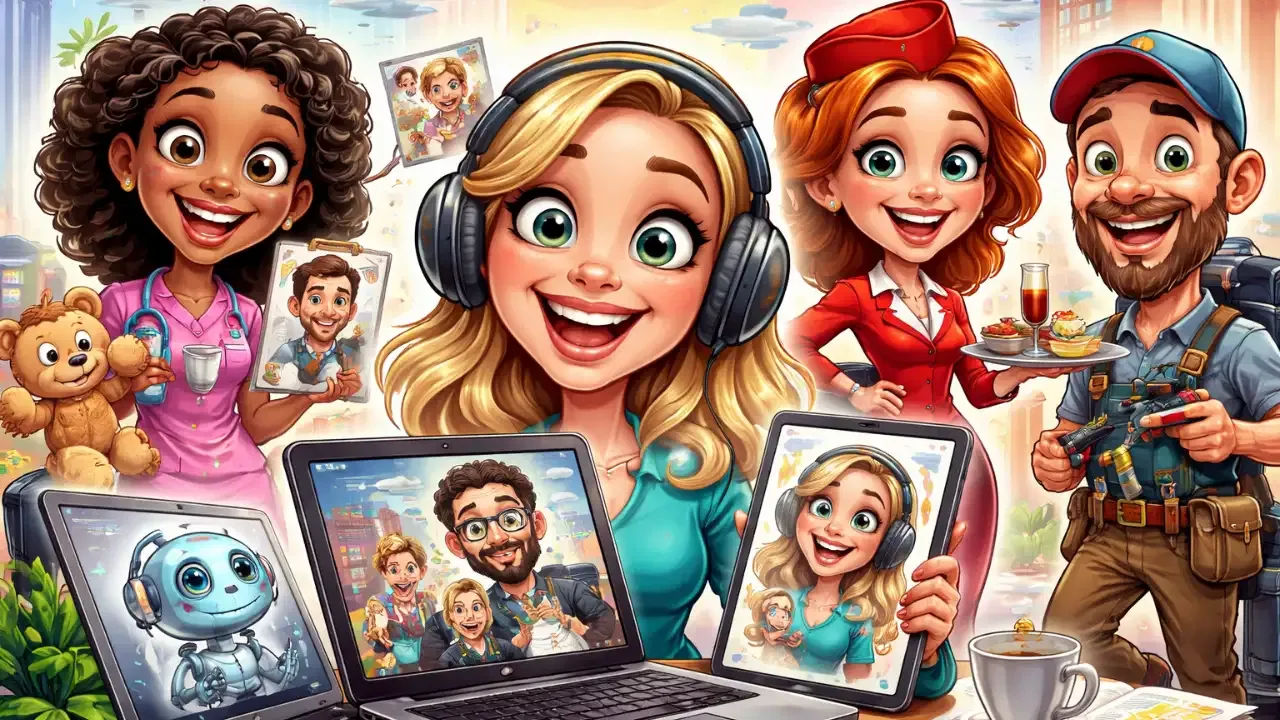
Have you scrolled through social media recently and noticed friends sharing hilarious, exaggerated cartoon versions of themselves? Welcome to the ChatGPT caricature trend, the first major AI phenomenon of 2026 that's turning ordinary photos into personalized cartoon portraits. This viral trend combines artificial intelligence with user prompts to create caricatures that highlight personality traits, professions, and personal interests in a fun, visual format.
What Exactly Is the ChatGPT Caricature Trend?
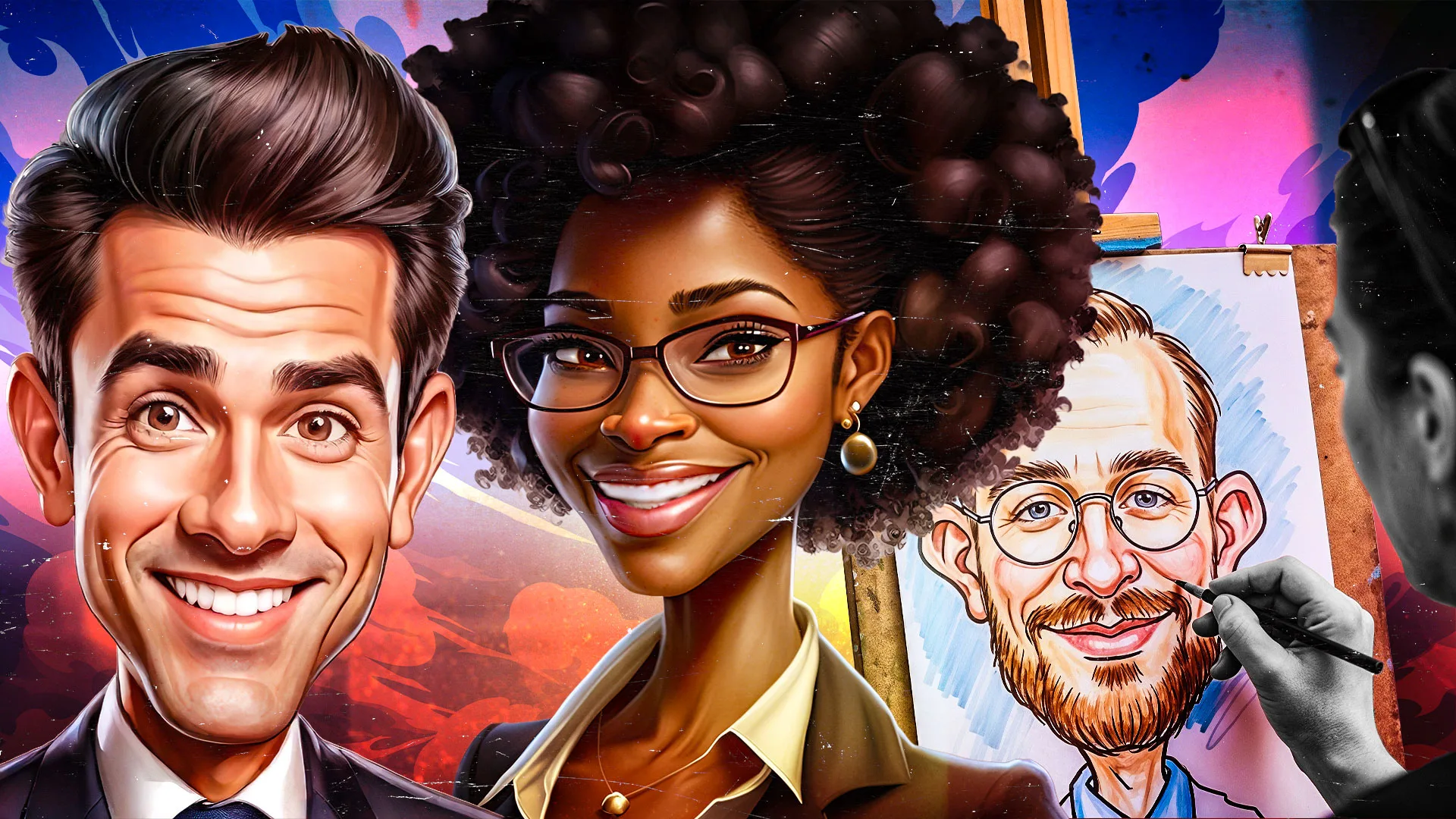
The ChatGPT caricature trend involves using OpenAI's chatbot to generate cartoon-style images based on user photos and prompts. Unlike traditional caricatures drawn by human artists, these AI-generated versions analyze your uploaded image and chat history to create personalized exaggerations. The trend exploded on platforms like TikTok and Instagram, where users share their AI-transformed selves with captions highlighting how accurately (or hilariously) ChatGPT captured their personalities.
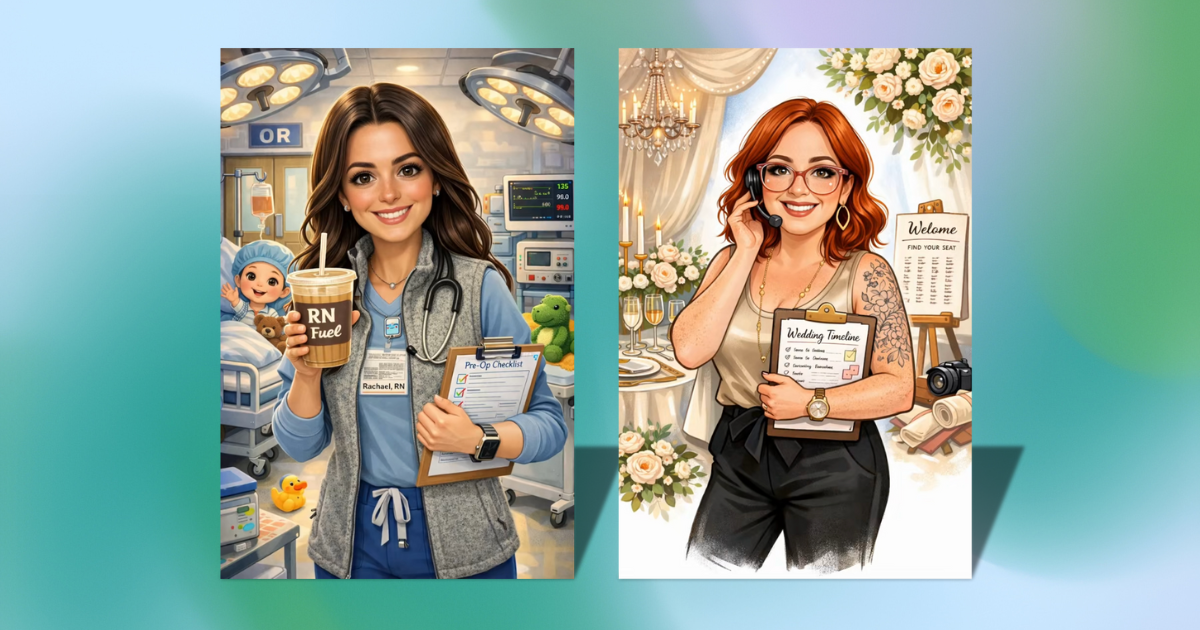
The process centers around a specific viral prompt: "Create a caricature of me and my job based on everything you know about me." When combined with a clear headshot photo, this prompt instructs ChatGPT to analyze your appearance and conversation history to generate a cartoon that incorporates elements of your profession, hobbies, and personal characteristics. The results typically feature exaggerated facial features, occupational props, and personalized details that make each caricature unique.
How to Create Your Own AI Caricature: A Step-by-Step Guide
Creating your ChatGPT caricature is surprisingly simple, even if you're new to AI tools. Follow these steps to generate your personalized cartoon portrait:
Step 1: Prepare Your Photo
Choose a clear, front-facing headshot with good lighting. The image should show your face clearly without obstructions like hats or sunglasses. ChatGPT works best with high-quality photos where facial features are easily distinguishable.
Step 2: Access ChatGPT
Log into your ChatGPT account via the website or mobile app. Both free and paid versions support image generation, though limitations apply to free users. Ensure you're using a version that supports image uploads - this typically requires ChatGPT Plus or the latest model.
Step 3: Upload Your Image
Click the attachment button (usually represented by a paperclip or upload icon) and select your prepared photo. ChatGPT will process the image and make it available for analysis in your conversation.
Step 4: Enter the Viral Prompt
Type the exact prompt: "Create a caricature of me and my job based on everything you know about me." This specific wording has proven most effective for generating detailed, personalized results. The AI will analyze both your uploaded image and your conversation history to create a tailored caricature.
Step 5: Review and Refine
ChatGPT will generate your caricature within seconds. If you're not satisfied with the result, you can provide additional details like "make the nose more exaggerated" or "add elements of my teaching profession." The AI can regenerate images based on refined instructions.
Why Your ChatGPT History Matters for Personalization
The quality and personalization of your caricature depend significantly on your existing relationship with ChatGPT. Users who have extensive chat histories with the AI get remarkably detailed results because the system can draw from previous conversations about their lives, interests, and professions.
"The way most users are generating their caricature is by using this viral prompt," explains Mashable's coverage of the trend. "However, in order to create an AI-generated caricature from that prompt, the user needs quite a bit of history with ChatGPT so that the chatbot can whip up an image with their relevant interests depicted."
If you're new to ChatGPT or haven't shared much personal information, don't worry. You can still participate by providing additional context in your prompt. For example: "Create a caricature of me and my job. I'm a software developer who loves hiking and coffee. I wear glasses and have curly hair." These details help compensate for lack of historical data.
Understanding the Limitations and Considerations
While the ChatGPT caricature trend offers fun and creativity, several important limitations and considerations exist:
Usage Limits
Free ChatGPT users can generate up to five images daily, while paid subscribers (ChatGPT Plus) enjoy unlimited generation. This limitation helps manage server load but means free users must be selective about their caricature attempts.
Privacy Considerations
Fast Company notes potential privacy concerns: "This ability is predicated on a robust ChatGPT chat history. Those who don't have a close, personal relationship with the AI might need to give additional information to get a more accurate depiction. But, notably, that makes for yet another potential AI privacy concern." Users should consider what personal information they share with AI systems.
Technical Issues
The trend's popularity has occasionally strained ChatGPT's servers. According to Fast Company, "more than 13,000 ChatGPT users reported issues on Thursday, according to outage tracking website Downdetector.com." These disruptions typically resolve quickly but can temporarily hinder access.
The Environmental Impact of AI Image Generation
As with many AI trends, the caricature phenomenon raises environmental concerns. Research indicates that generating a single AI image can consume as much energy as charging a smartphone. The carbon footprint of widespread AI image generation adds up quickly, especially with viral trends involving millions of users.
According to environmental analyses, ChatGPT queries may consume up to 15 times more energy than traditional Google searches. While individual image generation has a relatively small impact, the collective effect of millions of users participating in trends like this contributes to significant energy consumption. Users concerned about environmental impact might consider limiting their generations or using the feature judiciously.
Beyond ChatGPT: Alternative AI Tools for Caricatures
While ChatGPT dominates the current trend, several alternative AI tools can create caricatures with different styles and approaches:
- DALL-E 3: OpenAI's dedicated image generator offers more control over artistic styles and can create caricatures with specific artistic influences.
- Midjourney: Known for its artistic quality, Midjourney can generate caricatures with various visual styles from cartoonish to painterly.
- Adobe Firefly: Integrated with Adobe's creative suite, Firefly offers professional-grade image generation with ethical training data considerations.
- Stable Diffusion: Open-source alternative that allows local generation, potentially addressing some privacy concerns.
Each tool has unique strengths - ChatGPT excels at personalization through conversation history, while others might offer superior artistic control or privacy features.
The Future of AI-Generated Caricatures
The ChatGPT caricature trend represents just one example of how AI is transforming creative expression. As technology advances, we can expect more sophisticated personalization, real-time generation, and integration with other media formats. However, this future also brings questions about authenticity, artistic value, and environmental sustainability that users and developers will need to address.
For now, the trend offers a accessible, entertaining introduction to AI image generation. Whether you're creating a caricature for fun, professional branding, or social media engagement, understanding the process, limitations, and implications helps you make the most of this technological phenomenon while being mindful of its broader impacts.
Key Takeaways for Creating Your ChatGPT Caricature
- Use a clear, front-facing headshot for best results
- The viral prompt "Create a caricature of me and my job based on everything you know about me" yields the most personalized results
- Your ChatGPT history significantly affects personalization quality - long-time users get better results
- Free users are limited to 5 images daily; paid subscribers have unlimited generation
- Consider privacy implications when sharing personal information with AI systems
- Be mindful of environmental impact - each image generation consumes energy equivalent to charging a smartphone
- Alternative AI tools like DALL-E 3 and Midjourney offer different approaches to caricature creation
The ChatGPT caricature trend demonstrates how accessible AI tools have become for creative expression. By following the step-by-step process and understanding both the possibilities and limitations, anyone can participate in this viral phenomenon while making informed decisions about their AI interactions.